Do these tasks eat up your time every week?
Whatever repeats can be handed over to software, with or without AI. Each card shows the task as it is done today, then once automated. “To be assessed”: feasible, to be evaluated with you.
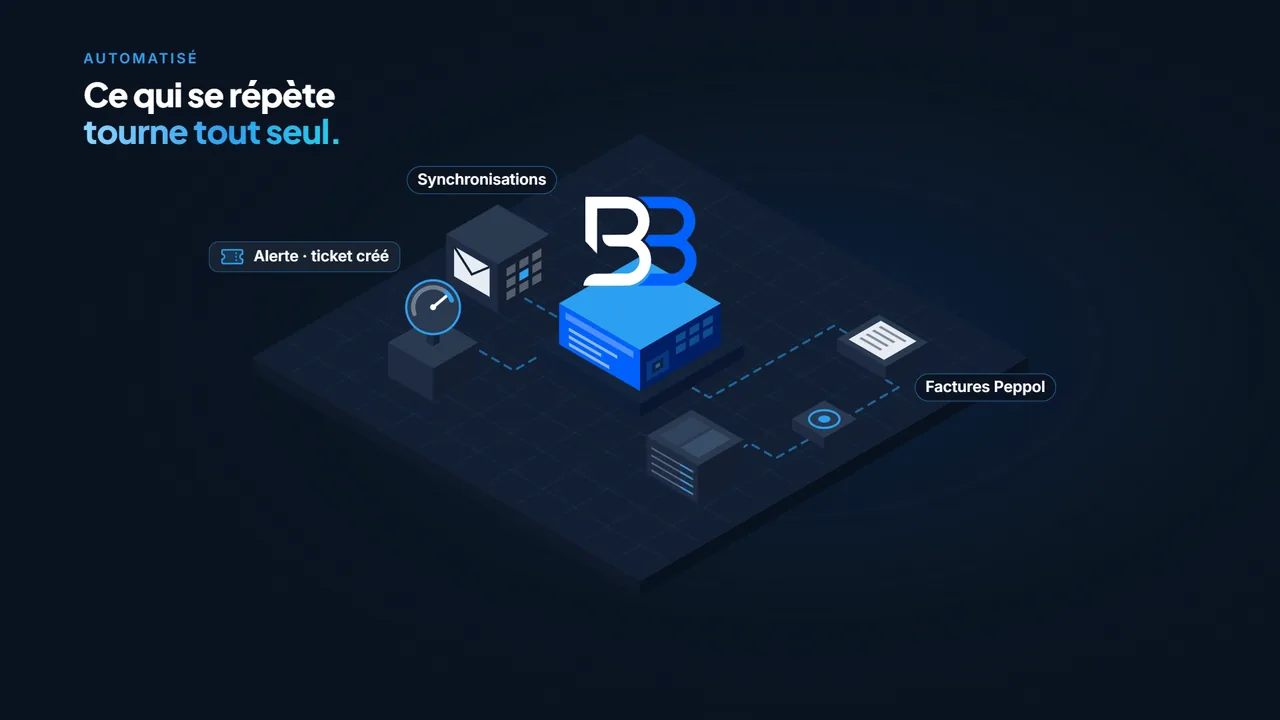
Video won’t start? Open the video (MP4, 1.8 MB)
Read the transcript (English translation)
Entering the same invoice twice. Redoing calculations by hand. Chasing payments, re-typing… What if your software did it for you? Brice Bisiau builds your custom management tools. Peppol e-invoices, syncing, alerts: whatever repeats runs on its own. AI prepares. You approve. Over ten years of custom software, and always the same contact person for your website, your network and your cameras. Free first conversation: bisiau.be.

Quotes and invoices
AutomationTodayCopying the quote into the invoice, then the invoice into the accounts.
AutomatedQuotes and invoices generated from your data, sent as Peppol e-invoices and passed on to your accounting.
Payment follow-up
AutomationTodayChecking by hand who hasn’t paid, then writing each reminder.
AutomatedOverdue invoices stand out with their reminder level (7, 15, 30 days); the reminder is ready and goes out once you click.
Double data entry
AutomationTodayEntering the same client in the CRM, the invoicing tool and Outlook.
AutomatedYour tools are connected: data entered once shows up everywhere, synchronised every 15 minutes, for example.
Documents and emails
AutomationTodayCreating each PDF, sending it, then filing it.
AutomatedThe document is generated, sent from your Microsoft 365 mailbox and filed in SharePoint.
Thresholds and alerts
AutomationTodayKeeping an eye on levels, meters and deadlines so nothing slips through.
AutomatedReadings are taken automatically; as soon as a threshold is crossed, a ticket is created for you to handle.
Appointments and scheduling
AutomationTodayJuggling the diary, text messages and double bookings.
AutomatedOverlaps detected, end time and price calculated, text messages prepared, diary available on your phone.
Business calculations
AutomationTodayRedoing the same calculations in a growing pile of Excel files.
AutomatedCost price, profitability, specific rates: calculated automatically from what you already enter.
Migrating your data
AutomationTodayHesitating to change tools because everything is in the old software.
AutomatedYour data migrated from the old software (WinBooks or TeamLeader, for example), without duplicates.
Your customers’ questions
AITodayAnswering the same questions, chasing incomplete contact details.
AutomatedAn AI assistant answers on your website, collects contact details and sends you a clear summary; you can take over the conversation live.
Run your admin by voice
AITodayOpening the computer to log a job or get an overview.
AutomatedYou say “add 1 hour for this client” or “give me an overview”: the assistant prepares the entry or the summary, and you approve it.
Explainer videos
AITodayExplaining the same process over and over again.
AutomatedExplainer videos with a synthetic voice, to present a product or how something works.
Reading invoices and documents
AITodayRetyping amounts and references from supplier invoices.
AutomatedThe useful data extracted from the PDF, to be checked before approval.
To be assessed
Your task isn’t on the list? Describe it to me: I’ll tell you honestly whether it’s worth automating.
Describe my taskFrom the task that weighs on you to the tool that handles it
We start with what matters most, you test as we go, and the tool grows with your business.
1 · Task analysis
We review how you work: what repeats, what gets copied over, what could run on its own. I tell you honestly what is worth automating. This first conversation is free.
2 · A clear proposal
A detailed quote: tasks automated, what stays manual, tools to connect, timeline and budget. Fixed-fee or hourly.
3 · Step-by-step development
I develop in stages, with the help of AI agents, and you test as we go on your real data. Your existing data is migrated if needed.
4 · Go-live & follow-up
Training, go-live, maintenance and improvements: the software grows with your business, and I remain your contact.
You’re probably wondering…
In practical terms, what can you automate for me?
Anything that repeats and follows a logic: quotes and invoices, payment follow-up, double data entry between programs, sending and filing documents, stock or deadline alerts, appointments, calculations, data migration. AI comes in where it genuinely helps: answering your customers’ questions, preparing a data entry, producing an explainer video. The free first conversation is about spotting what is worth automating for you, and what isn’t.
Will the AI make decisions for me?
No. Safe automations (synchronisations, meter readings, scheduled sends) run on their own, following rules you approve at the outset. Whatever the AI prepares (a draft, an entry, a reply) arrives “to review” and waits for your approval. For anything that must be exact every time, such as amounts, I favour programmed rules over AI.
Let’s talk about your project
The first conversation and the quote are always free. I reply quickly, Monday to Saturday.