How a new project unfolds
Everything starts with a conversation: you show me how you work. I analyse your request, then present a costed action plan. Here are the steps, from our first conversation to go-live.

The first meeting
You tell me what you would like to improve or optimise. Above all, you show me how you work today: what is done, with which tools, and what takes up your time.
- What you want to improve or optimise
- The way you work, shown on your own tools
- What you already use: software, Excel files, paper documents
- At your premises or remotely, free and with no obligation
Analysing your request
I analyse what you have shown me: what can be put in place to solve your problem, as well as any other optimisations I may have spotted during the first meeting.
- The solution to your original problem
- Other possible optimisations spotted along the way: double data entry, a calculation redone by hand, a document copied over
- What is worth automating, and what is not
- Your current tools, connected rather than replaced

The action plan and the budget
I then present a clear action plan: what I would do, what could be put in place, and in what order. The budget is based on an estimated number of hours. With a fixed fee, it is a ceiling: I commit to staying within it for the implementation. With hourly billing, it is an estimate, and you pay for the hours actually worked.
- What I propose to put in place, step by step
- Other options, to do now or later
- An estimate of the hours needed
- With a fixed fee, a ceiling I commit to staying within for the implementation
The action plan and the quote are free, with no obligation.
Fixed fee or hourly billing: two options
Depending on the size of the project, there are two ways of working together: a fixed fee or hourly billing. In the action plan, I tell you which one suits your project best.
Fixed fee
For small and medium-sized projects
The scope is defined in the action plan, and the price is set before we start: I commit to staying within it.
- A scope defined together
- A price known in advance, never exceeded
- Ideal when the need is clear and limited
Hourly billing
Best valueFor larger projects
The action plan gives an estimate, not a ceiling: you pay for the time actually worked, and you can track every hour in real time in your client area.
- Only the hours actually worked
- The details of each task, in real time
- Priorities that can change as the project grows
Hardware and installation: hardware (cameras, Wi-Fi, NAS, mini-PCs…) is sold at a fixed price; installation is billed as a fixed fee or by the hour.
Why hourly billing is the best-value and most honest option

No safety margin to pay for
A fixed fee has to cover the unexpected, so it includes a safety margin. With hourly billing, you pay for the time actually spent, no more, no less.

Complete transparency
Every hour worked appears in your client area, with the details of what was done. You always know where the project stands.

A project that can evolve
A new idea along the way, a priority that changes: we discuss it together, and the action plan adapts.

A win for everyone
You stay in control of your budget, and every hour goes to what matters to you: a clear, honest relationship on both sides.
Development, tracked in real time
I develop in stages, and you test as we go on your real data. Every hour worked is logged as the work happens: you can see it in your client area, with the details of what was done. With hourly billing, these are exactly the hours you are invoiced for.
- Step-by-step development, tested on your real data
- Hours worked, visible day by day
- The details of what was done for each task
- No surprises on the invoice: hours can be checked before they are invoiced
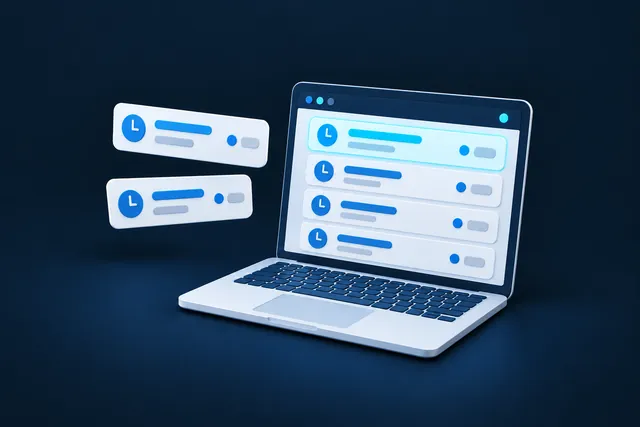
Your feedback, right inside the application
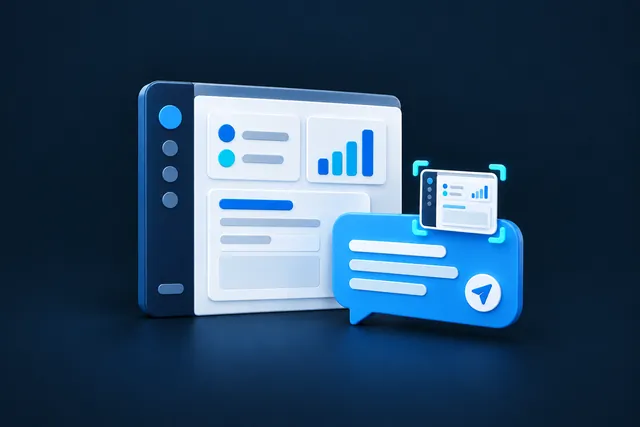
A comment, an idea, a problem? Just note it directly in your application, from the screen in question: a screenshot is attached automatically. I see exactly what you see, and the project moves forward quickly.
- No need to describe the screen: the screenshot shows it
- Fewer back-and-forth emails and phone calls
- Faster fixes and improvements
Go-live, then follow-up
Training, go-live, maintenance and improvements: the software grows with your business, and I remain your contact.
- Training so you can work independently
- Your tool goes live
- Maintenance and improvements over the long term

You’re probably wondering…
How much does custom software or an automation cost?
It depends on the number of tasks and the tools to connect. After a free first conversation, I give you a clear quote, fixed-fee or hourly, with no hidden costs. We can start with a single task, then grow the tool from there.
Does my need justify custom software?
Not necessarily. A custom tool can start from a single task: a calculation redone by hand, information entered twice. During the first conversation, I tell you honestly whether custom software makes sense or whether an existing solution will do.
What happens after go-live?
I train you so that you can work independently, and I offer maintenance and improvements. Some of my software has been looked after for more than 10 years.
Let’s talk about your project
The first conversation and the quote are always free. I reply quickly, Monday to Saturday.